Workspace
Writing notes with Knowledge
A proper Markdown workspace built into the app - notes, links, a graph, and a calendar, all as plain files you own.
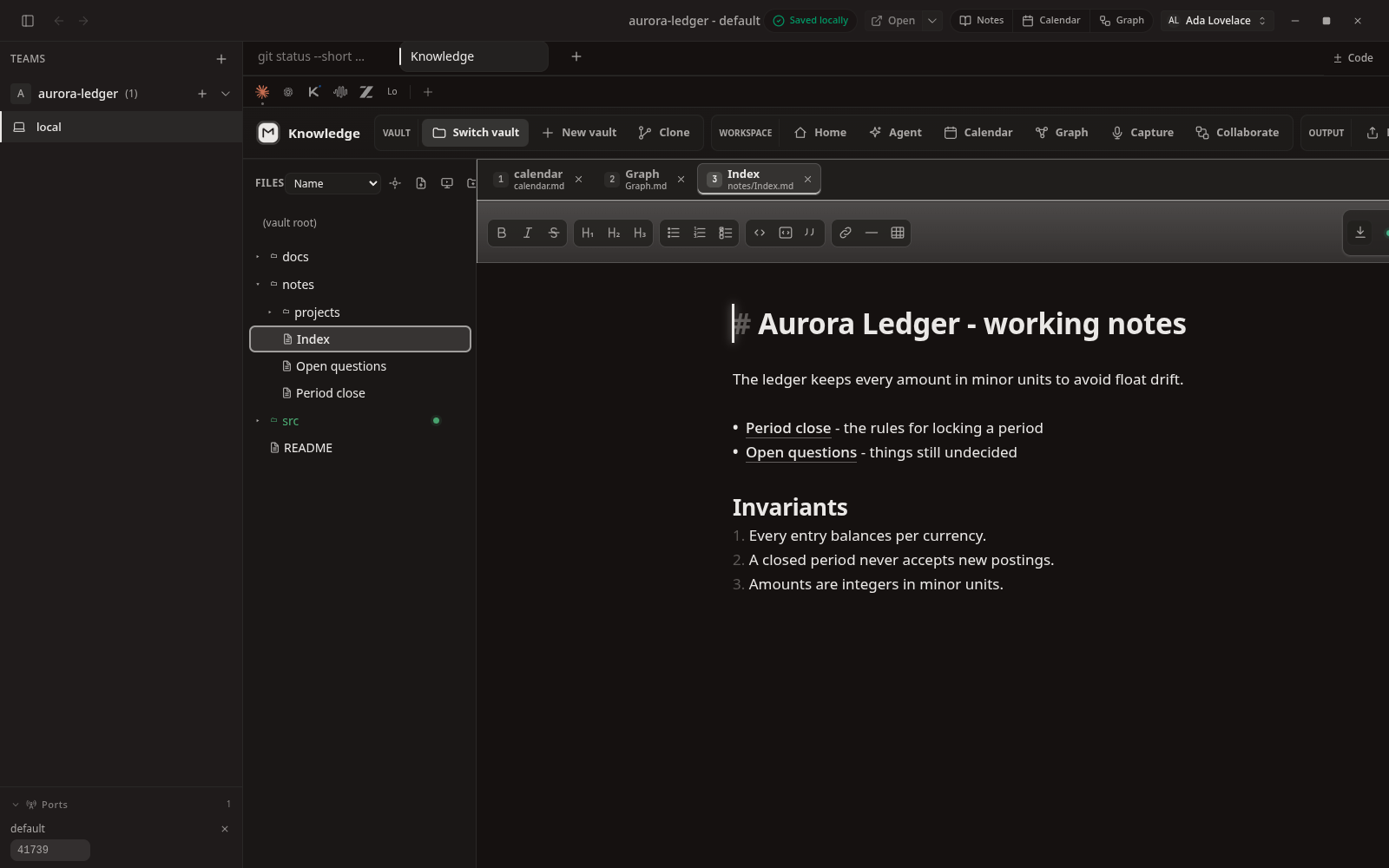
It's just Markdown files
Knowledge is where you keep the thinking around a project - decisions, plans, open questions, whatever helps. It's a real editor with live preview, links between notes, full-text search, and a graph view.
The important part: every note is an ordinary .md file in your project folder. Nothing is trapped in a proprietary format, so you can open, back up, or move your notes with any tool - and so can your agents.
See how notes connect
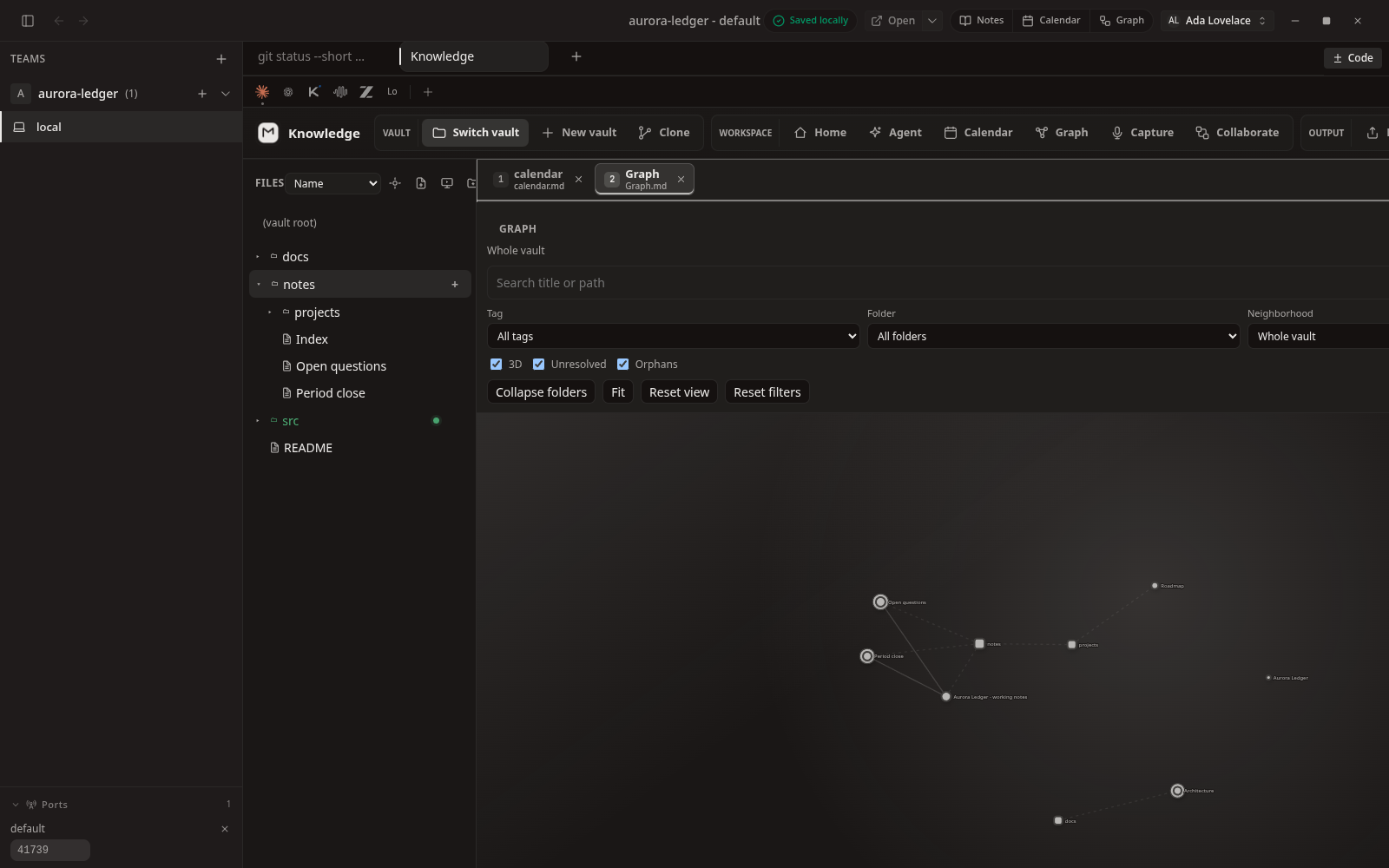
As you link notes together, the graph draws the map for you. It's an easy way to find your way around a growing project and spot notes that have drifted off on their own.
Hand notes to an agent
Because your notes sit right next to your code, an agent working in the same folder can read them. Write down the plan or the constraints once, and the agent starts with that context instead of a blank slate.